A custom domain for your link in bio — pick it, connect it, and never lose it
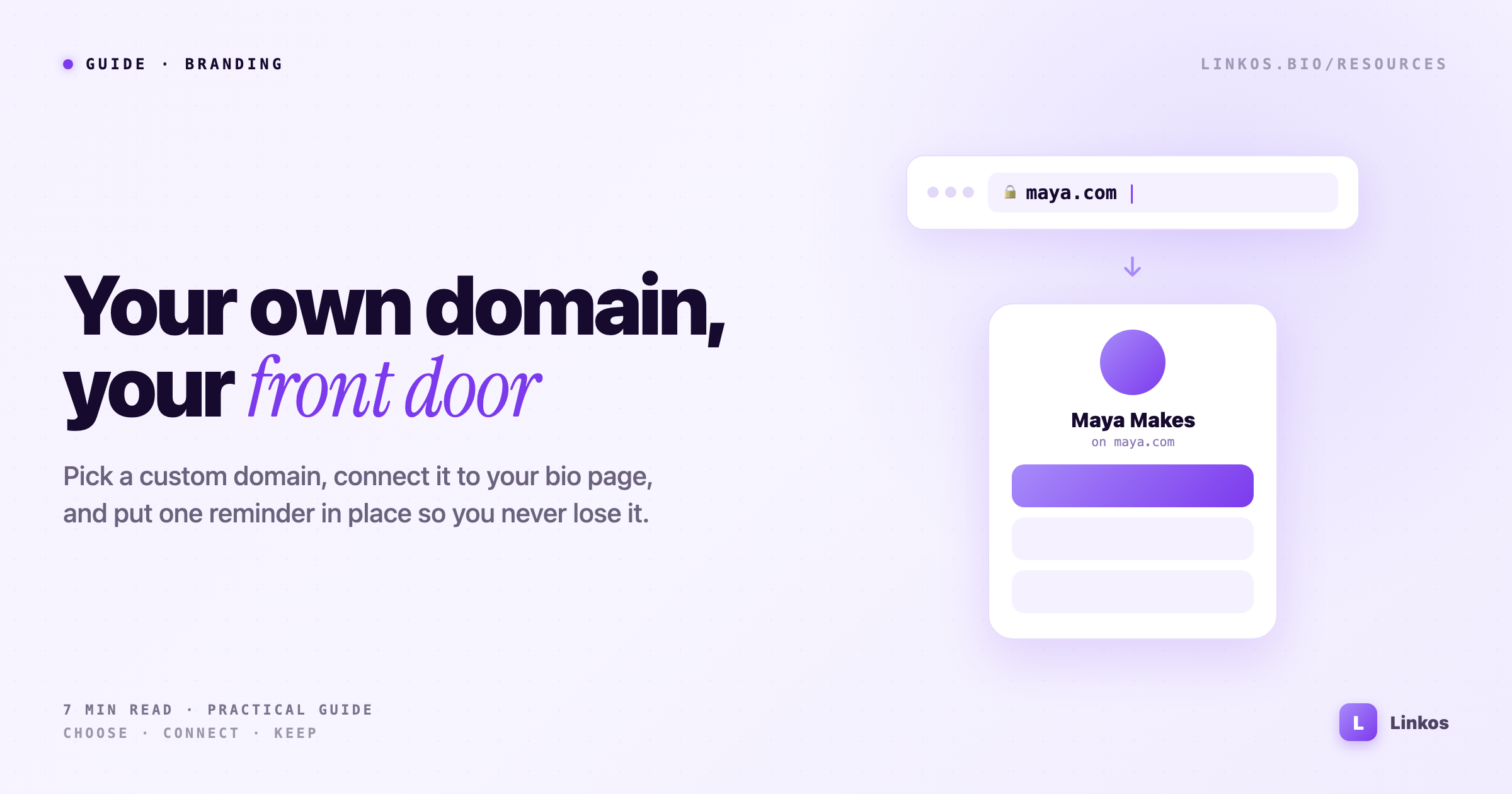
Your own domain turns a shared bio link into a front door that's unmistakably yours. Here's how to choose one, point it at your page, and make sure you never lose it.
Key takeaways1 min · read this first
- A custom domain makes every link you share unmistakably yours — for about the price of a coffee a month.
- Pick something short, hearable, and matching your handle. Skip hyphens and numbers; the extension matters less than you think.
- Connecting it to Linkos is two steps: add the domain in settings, then paste the DNS record at your registrar.
- The real risk isn't setup — it's losing it. Turn on auto-renew, keep the card behind it current, and monitor expiry dates once you own more than one domain.
There's a small but real difference between sending someone to linktr.ee/yourname and sending them to you.com. The first is borrowed space with someone else's brand stamped on it. The second is a front door that's unmistakably yours — the same instinct that makes a business want its own storefront instead of a stall inside someone else's market.
For a lot of creators and small brands, a custom domain on the bio page is the cheapest upgrade to how professional you look. It costs about the price of a coffee per month, it takes an afternoon to set up once, and after that every link you hand out — on a business card, in a video, in a DM — carries your name and nobody else's. This is a practical walk through the three parts that actually matter: choosing the domain, connecting it, and the part almost everyone forgets — not losing it.
Choosing one you won't regret
The best domain is the one people can hear once and type correctly. That single test rules out most of the clever ideas.
- Short beats clever. If you have to spell it out loud, it's too long. Aim for something you could say across a noisy room and have someone get right.
- Match your handle where you can. If you're
@mayamakeseverywhere,mayamakes.comis worth more than a slicker name nobody associates with you. Consistency is the whole point. - Skip hyphens and numbers.
maya-makes.comandmayamakes1.comboth leak trust and both get mistyped. If the clean version is taken, a different word usually beats a punctuation workaround. - The extension matters less than you think.
.comis still the default people assume, but.co,.me,.studio, and.bioall read as intentional now. Pick the one that sounds like you and move on — don't buy six extensions "to be safe."
Buy it from one registrar you'll remember logging into. Spreading a handful of domains across three different accounts you set up years ago is exactly how people lose them — which is the next section.
Connecting it to your page
Once you own the domain, pointing it at your Linkos page is a two-step job, and neither step needs a developer.
- Add the domain in Linkos. In your settings, tell Linkos the domain you want to use. It'll give you a DNS record to add.
- Add that record at your registrar. Log into wherever you bought the domain, open its DNS settings, and paste in the record. Save.
Then you wait. DNS changes propagate across the internet on their own schedule — usually minutes, occasionally a few hours. When it's done, typing your domain lands visitors straight on your branded page, secure padlock and all, with no trace of a URL that isn't yours. That's the whole trick: the page is still the fast, mobile-first bio page you already had — it just answers to your name now.
The part everyone forgets: not losing it
Here's the failure almost nobody plans for. A domain isn't a purchase, it's a lease. Miss the renewal and it doesn't just switch off — it enters a grace period, then a redemption window where reclaiming it costs a painful premium, and then it drops entirely and anyone can grab it. People have lost domains they'd used for years to a single expired card on file.
Two habits prevent it:
- Turn on auto-renew, and keep the card behind it current. Auto-renew only works if the payment method hasn't expired — which is exactly the thing that quietly does.
- Watch the expiry dates, especially past one domain. The moment you own more than one — a main domain, a campaign domain, an old project you might revive — the renewal dates scatter and a calendar reminder stops being enough. A domain-monitoring tool like Dotily tracks each domain's expiry and grace window and alerts you before anything lapses, so a forgotten renewal never costs you your brand's front door. If you're the sort of person who ends up holding a small portfolio of names, that early warning is worth more than the domains are.
A custom domain is a small, permanent win: it makes every link you share look like it belongs to you, and it costs almost nothing to keep. The only way it goes wrong is by forgetting it exists — so set it up once, point it at the page, and put a single reminder in place that makes losing it impossible. Then never think about the plumbing again.
Sign up to start earning XP for every read.
📗 Free: the Link-in-Bio Starter Kit
The checklist, 6 layout templates, and our 1-page cheat sheet — sent straight to your inbox.
Recommended tool
Turn each topic into a finished post — in seconds.
PostPop writes the copy and designs the carousel in your real colours, fonts and logo. The making step, gone.
- On your brand, automatically
- Six formats · every platform size
- Free to start · no credit card
◆ A product by Linkos