How to Take Bookings From Your Link in Bio
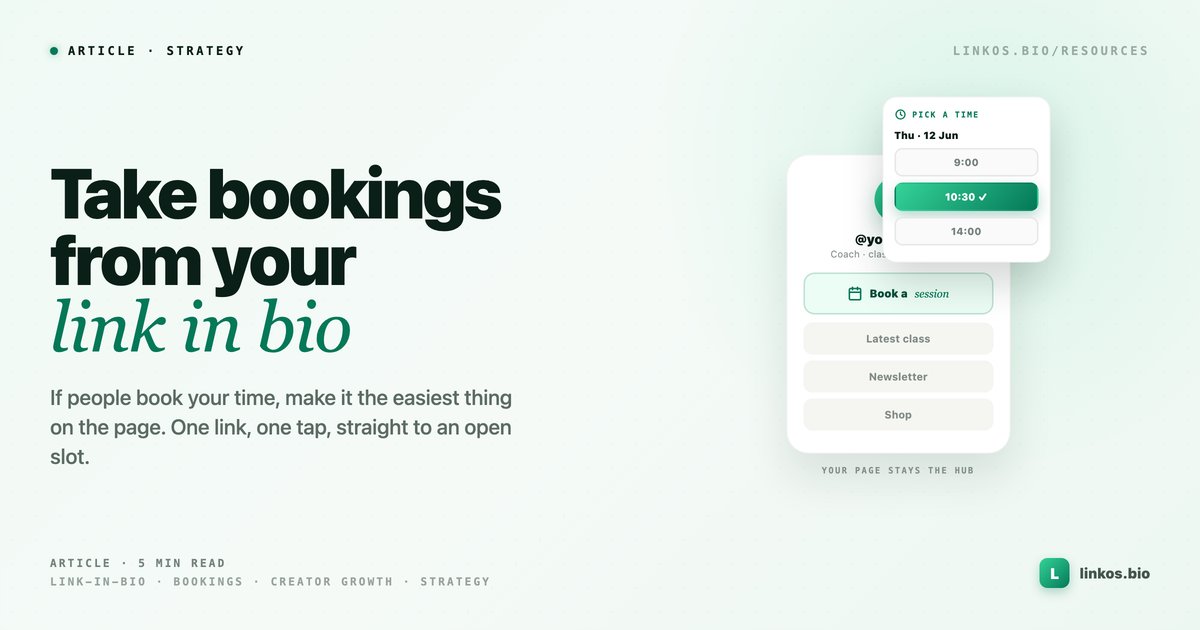
Turn your bio link into a booking page — appointments, classes, and calls, booked straight from the one link you share.
Key takeaways1 min · read this first
- Your bio link is the highest-intent moment you get — make "Book" the first thing people tap.
- The link page is the hub; a dedicated scheduler handles availability, deposits, and reminders.
- Route the tap on Linkos, close the appointment in the booking tool — not one or the other.
- Watch your link analytics: if "Book" isn't winning taps, move it up the page.
A lot of creators and service pros share one link in their bio, then lose the people who tap it. Someone wants to book a session, a class, or a call — and instead of a clear next step they get a wall of links, a DM thread, or a "message me for times." Every extra step there costs you a booking.
If part of what you sell is your time, your bio link should make booking the easiest thing on the page. Here is how to set that up, and where a dedicated booking tool fits.
The short answer
Put a booking link at the top of your bio page and send every profile to that one page. A link-in-bio page is the hub: it holds your booking link, your socials, your shop, and your content in one place, styled like you and live in minutes. For the actual scheduling — real-time availability, deposits, reminders, no-show protection — you connect a purpose-built booking tool and link to it from the page. The hub gets people there in one tap; the booking tool closes the appointment. You keep the analytics on which link people actually choose, so "Book now" earns or loses its top spot on evidence.
Why the bio link is where bookings start
Most of your booking traffic comes from social, on a phone, from people who already follow you. They are one tap from your bio. That is the highest-intent moment you get, and it is wasted if the tap lands on a list they have to decode.
A focused hub fixes the moment. Your top button says exactly what happens next — "Book a session," "Reserve your spot," "Schedule a call" — and it goes straight to a page where they pick a time. No DM, no back-and-forth, no "let me check my calendar." You can start from a template, set the booking link as the top action, and publish free.
Set it up in four steps
- Build your hub. Create your Linkos page and add your links — booking, socials, shop, content.
- Make "Book" the top action. Put your booking link first, with copy that names the outcome ("Book a cut," "Book a class"). It should look different from the rest so it reads as the primary step.
- Connect a real booking tool. For live availability, payments, and reminders, link out to a dedicated scheduler rather than a static form. If you run a local service business — a salon, a studio, a trades or fitness business — a tool like Bookrightly gives you online booking, deposits, and a no-show-reducing flow you can point your bio link straight at.
- Watch the taps. Use your link analytics to see whether "Book" is getting the clicks. If it is buried under other links people tap more, move it. If it is winning, give it even more room.
What stays on Linkos and what the booking tool handles
Keep the split clean. Linkos is the front door and the measurement layer: the page people land on, the place you swap links when your offer changes, and the analytics that tell you what is working. The booking tool owns the calendar — availability, time zones, deposits, confirmations, reminders. You are not choosing one or the other. The bio page routes the high-intent tap; the scheduler turns it into a confirmed appointment.
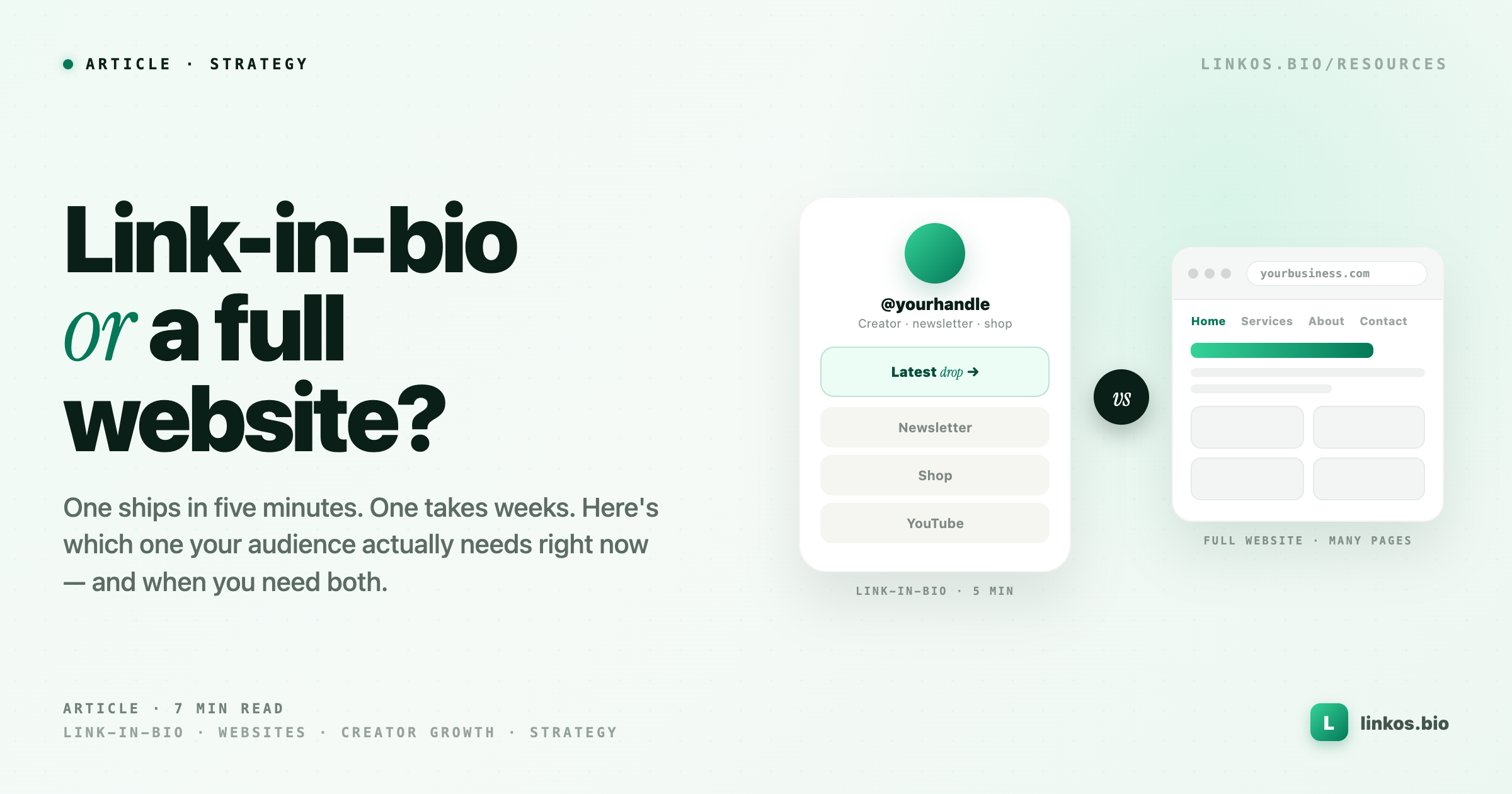
If you are weighing whether you need more than a bio link at all, the guide on when a link page is enough versus a full website walks through that decision with the same "start with the job in front of you" logic.
Bottom line
If people book your time, do not make them work for it. Put one link in your bio, make "Book" the first thing they see, and connect a real scheduler behind it. You can have your Linkos hub live in a few minutes, free, and see from day one how many taps turn into bookings.
Sign up to start earning XP for every read.
📗 Free: the Link-in-Bio Starter Kit
The checklist, 6 layout templates, and our 1-page cheat sheet — sent straight to your inbox.
Recommended tool
Turn each topic into a finished post — in seconds.
PostPop writes the copy and designs the carousel in your real colours, fonts and logo. The making step, gone.
- On your brand, automatically
- Six formats · every platform size
- Free to start · no credit card
◆ A product by Linkos