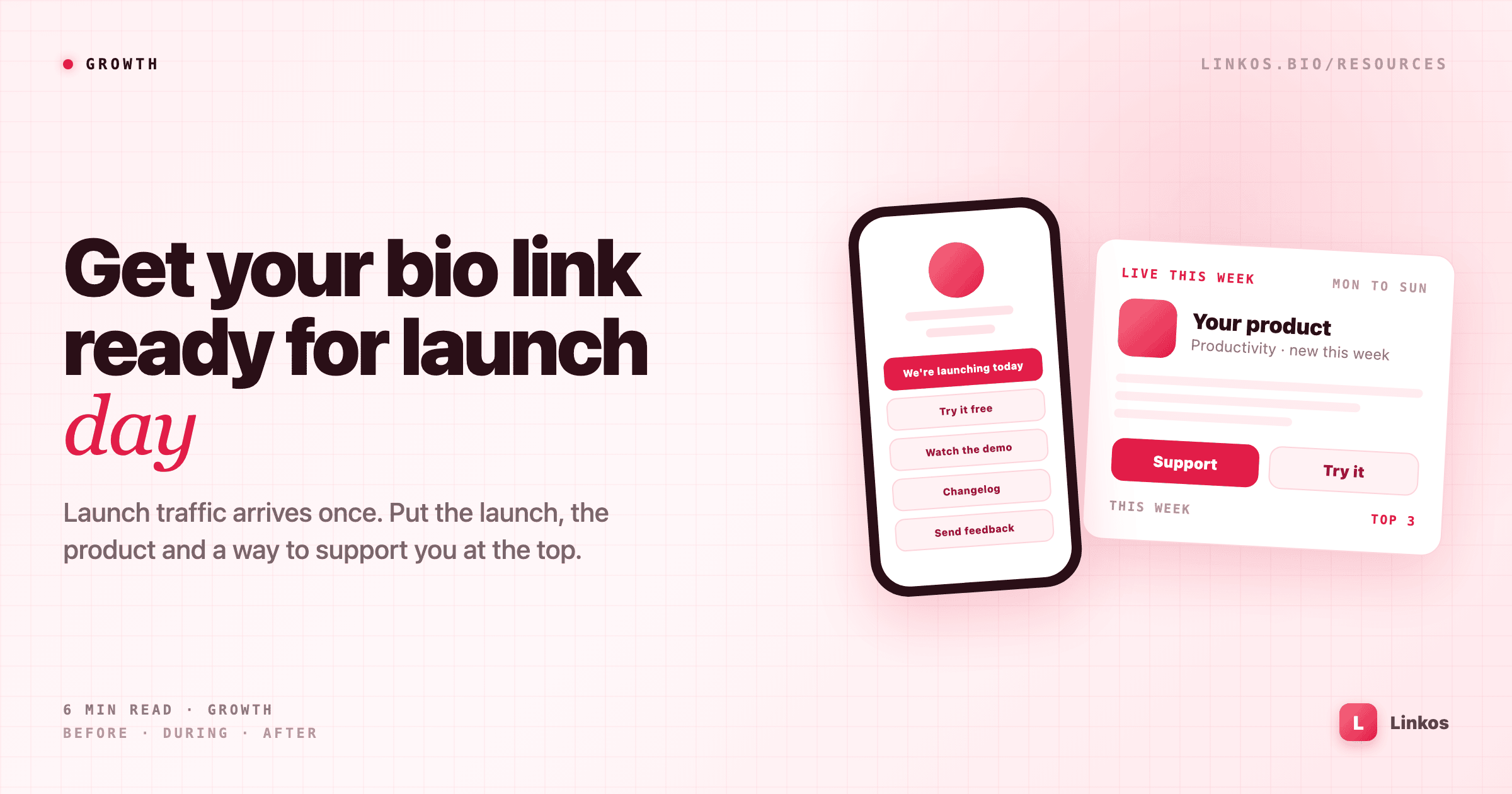
Get your bio link ready for launch day
Launch traffic arrives once, and a lot of it lands on your bio link, not your website. A 2026 guide for makers to setting up the page before launch, keeping it current during launch week and turning it into proof afterwards (featuring DebutYard).
Launch day traffic arrives once. People see your post, tap your name, and land on whatever your profile links to. For most makers that's a bio link, not the product's homepage, and it's often the page that got the least attention before launch.
If that page still says "Coming soon" or lists five old side projects, the visitor leaves. If it shows the launch, a way to try the product and a way to support it, they stay long enough to do something.
This guide covers the three stages: setting the page up before launch, keeping it current during launch week, and turning it into proof afterwards. Partway through there's a worked example with DebutYard, a weekly launch platform for new products.
Where launch traffic actually lands
Most launch visits don't start on the launch platform. They start on a post: your announcement on X, LinkedIn, Threads or Instagram, or a reshare by someone who follows you. From there, people tap through to your profile, and the only clickable thing on most profiles is one link.
That makes your bio link the second front door of the launch. The listing page explains the product. The bio link is where people who found you decide what to do next: try it, support it, or follow along.
Before launch: set up the page
Plan the page around what a launch visitor wants, in order:
- The launch itself. A link at the top called "We're launching today" that goes to your listing. People who want to support you shouldn't have to search for it.
- Try the product. Sign up, download or the live demo. This is the link that matters most after the launch is over.
- See it work. A short demo video or a screenshot tour, for people who won't sign up without seeing it first.
- Follow the build. A changelog, roadmap or newsletter, for people who are interested but not ready yet.
- Talk to you. An email address or a feedback form. Early users with questions are the ones worth answering.
Five links is enough. Hide or remove older projects for the week, so nothing competes with the launch.
Then check the basics. Every link should open over HTTPS, show a proper preview image when shared, and load quickly on a phone. Tap through the whole page on your own phone the night before, logged out.
Launch week: keep the top link current
Many launch platforms now run for a week rather than a single day, with voting or ranking open until the cohort closes. That changes what the top of your page should say:
- Day one: "We're launching today" with the link to your listing.
- During the week: "Live this week, support us here", so later visitors still know it's open.
- When results are in: a thank-you line and the result, if there is one.
On Linkos you can drag a link to the top, edit its title in seconds, and schedule a link to appear or disappear on a set date, so the launch link can go live on Monday morning without you at the keyboard. The analytics also show which links people tap. If "Try it" gets far fewer taps than the launch link, move it higher or make the title clearer.
Worked example: launching on DebutYard
One place to launch is DebutYard at debutyard.com, a launch platform where a new cohort of products debuts every Monday. Here's how it fits the steps above:
- A week, not a day: visitors can applaud products all week, and the top three become Debut of the Week. That's a full week of "support us" traffic for your bio link, not a few hours.
- Ranking you can read: the site explains how ranking works and says that paid debuts buy placement, never applause, so the result reflects real support.
- Pre-launch checks: a free launch readiness check scores your page on HTTPS, SEO tags, social image and indexability, with fixes. Run it on your product page and your bio link before Monday.
- Links you can verify: free tools include a dofollow link checker and a Domain Rating checker, useful once other sites start writing about your launch.
- Categories: products are grouped by category, such as AI, Productivity, Marketing and Education, so people browsing your area can find you after launch week too.
Paid visibility, such as a featured slot or a newsletter sponsorship, starts from $15 a week at the time of writing. Check the site for current options before you plan around them.
See this week's cohort at debutyard.com →
After launch: turn the page into proof
When the week ends, the launch link stops being useful as a call to action. It can still work as proof:
- Rename it. "Featured on" or "Debut of the Week" with a link to the listing is social proof for everyone who visits later.
- Promote the product link. "Try it" or "Get started" moves to the top.
- Keep one feedback link. Early users are still finding you through the launch posts for a few weeks.
- Note what worked. Look at which links got tapped during launch week. It tells you what to put first next time.
A thirty-minute checklist
- Write the five links: launch, try it, see it work, follow the build, talk to you.
- Move the launch link to the top, or schedule it for launch morning, and hide older projects for the week.
- Check every link on your phone, logged out, the night before.
- Run a readiness check on your product page and fix the preview image if it's missing.
- Update the top link's title on day one, mid-week and when results are in.
- After the week, rename the launch link to "Featured on" and move "Try it" to the top.
The post gets people to your profile. The bio link decides what they do next.
Sign up to start earning XP for every read.
📗 Free: the Link-in-Bio Starter Kit
The checklist, 6 layout templates, and our 1-page cheat sheet — sent straight to your inbox.
Recommended tool
Turn each topic into a finished post — in seconds.
PostPop writes the copy and designs the carousel in your real colours, fonts and logo. The making step, gone.
- On your brand, automatically
- Six formats · every platform size
- Free to start · no credit card
◆ A product by Linkos