Share math worksheets from your bio link
Tutors and teachers who post on social media get asked for the worksheet every time. A 2026 guide to turning handwritten notes into clean PDFs, naming and hosting them, and setting up a bio page students actually use (featuring Mathify).
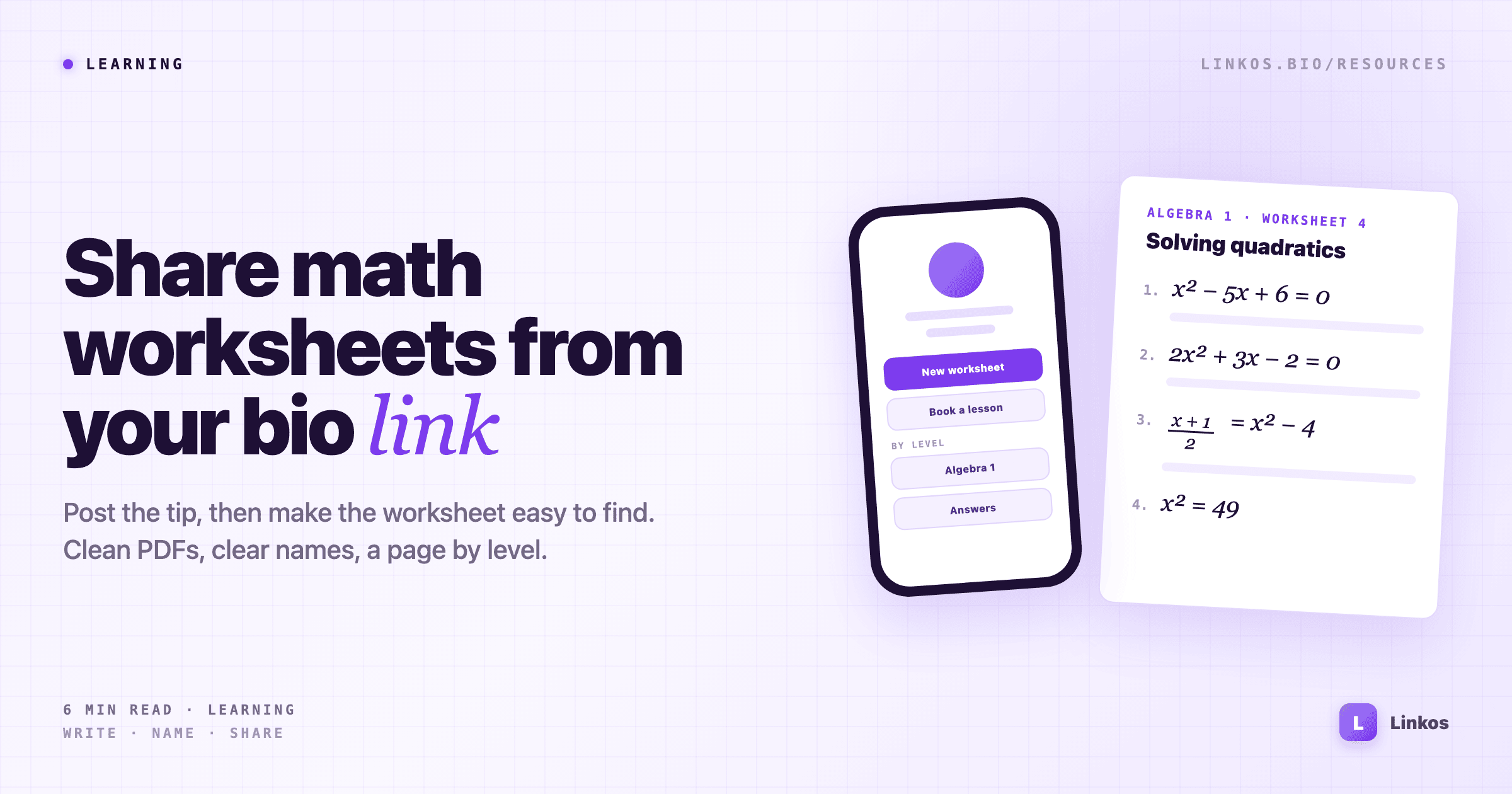
If you teach math online, you know the comment. You post a short video solving a quadratic, and the first reply is "where's the worksheet?" The second is the same question, a day later, from someone who missed the first answer.
A bio link is the natural place to send them. But a page with one link called "Resources" that opens a messy folder doesn't help much. Students give up, parents can't find the right year group, and you end up answering in DMs anyway.
This guide covers the whole path: getting your notes into a clean format, naming and hosting the files, and setting up a bio page where people find the right sheet in two taps. Partway through there's a worked example with Mathify, a math editor app for writing that kind of worksheet on your phone.
Start with the questions you keep answering
Before you make anything new, look back at the last month of comments and messages. Most tutors find the same handful of requests:
- The worksheet from a specific video. Someone saw the post and wants the practice questions.
- The answers. Often asked separately, and often by a parent.
- Something for their level. "Do you have this for GCSE / Year 9 / Algebra 1?"
- How to book you. The one that actually pays.
Those four requests are the structure of your page. Everything else can wait.
Turn handwritten notes into something people can use
A photo of your whiteboard is fine for a video. It's a poor worksheet. It's hard to read on a phone, it can't be printed cleanly, and nobody can copy a formula out of it.
What students need is a file with clear, typed equations: a title, the questions, space to work, and the answers on a separate page. You have three realistic ways to get there:
- A word processor with an equation tool. Fine for occasional sheets, slow if you write many fractions, roots and matrices.
- LaTeX. The cleanest result and the standard in universities, but a real learning curve if you've never used it.
- A dedicated math editor. Built for typing notation quickly, usually with export to PDF.
Whichever you choose, keep a template: the same header, the same font, your name and handle in the footer. A recognisable sheet gets shared with your name still on it.
Name and host files so they don't break
The link on your page should keep working for years, even after you fix a typo in the file.
- Use a stable host. Google Drive, Dropbox or your own site all work. Set sharing to "anyone with the link can view".
- Name files the way people search.
algebra-1-solving-quadratics-worksheet.pdfbeatsscan_0047.pdf. - Answers in a separate file. Teachers using your sheets in class will thank you, and it stops students skipping straight to the end.
- Replace the file, keep the link. Most hosts let you upload a new version without changing the share link, so the old posts still point at the right place.
Set up a bio page students can navigate
Your page has a few seconds to show the right thing. Group by what people are looking for, not by when you made it.
- Newest worksheet first. It matches the video people just watched, so that's what most visitors want.
- One link per level or topic. "Algebra 1 worksheets", "GCSE Higher", "Calculus practice". Each one opens a folder or a page for that group.
- Answers clearly labelled. Next to the worksheets, not hidden.
- Booking near the top. If you tutor, a "Book a lesson" link should be visible without scrolling.
On Linkos you can add section headers to split the list by level, and the analytics show which links get tapped. After a month you'll know which topics people want more of, which tells you what to make next.
Worked example: writing a worksheet with Mathify
One option for the writing step is Mathify at mathify-math-editor.com, a math editor app for Android and iOS. Here's how it fits the steps above:
- Typed equations: a visual editor for fractions, integrals, matrices and symbols, where you can search for a symbol by its name or its LaTeX command.
- Whole worksheets: documents mix headings, lists, tables, images and equations, so the questions and the layout live in one file.
- From your notes: it can scan a photo of printed or handwritten formulas and turn them into editable equations, which saves retyping last year's sheets.
- Ready to share: documents export to PDF, and single formulas can be copied as LaTeX or saved as an image for a post.
- Checking answers: a built-in solver, powered by WolframAlpha, is handy for checking the answer sheet before you publish it.
The app is free to download. At the time of writing, scanning and handwriting recognition are part of the Pro version, so check the store listing for what's included before you rely on them. If you mostly type sheets from scratch, try the free version first.
See how Mathify works at mathify-math-editor.com →
A thirty-minute checklist
- List the four questions you get asked most, and make each one a link.
- Turn your most-requested worksheet into a clean PDF, with the answers in a separate file.
- Rename the file so it describes the topic and level.
- Upload it to a stable host and set it to view-only for anyone with the link.
- Put the newest worksheet and your booking link at the top of your bio page.
- Next time someone comments "where's the worksheet?", reply with "link in bio" and mean it.
The video gets the attention. The worksheet is what people come back for.
Sign up to start earning XP for every read.
📗 Free: the Link-in-Bio Starter Kit
The checklist, 6 layout templates, and our 1-page cheat sheet — sent straight to your inbox.
Recommended tool
Turn each topic into a finished post — in seconds.
PostPop writes the copy and designs the carousel in your real colours, fonts and logo. The making step, gone.
- On your brand, automatically
- Six formats · every platform size
- Free to start · no credit card
◆ A product by Linkos