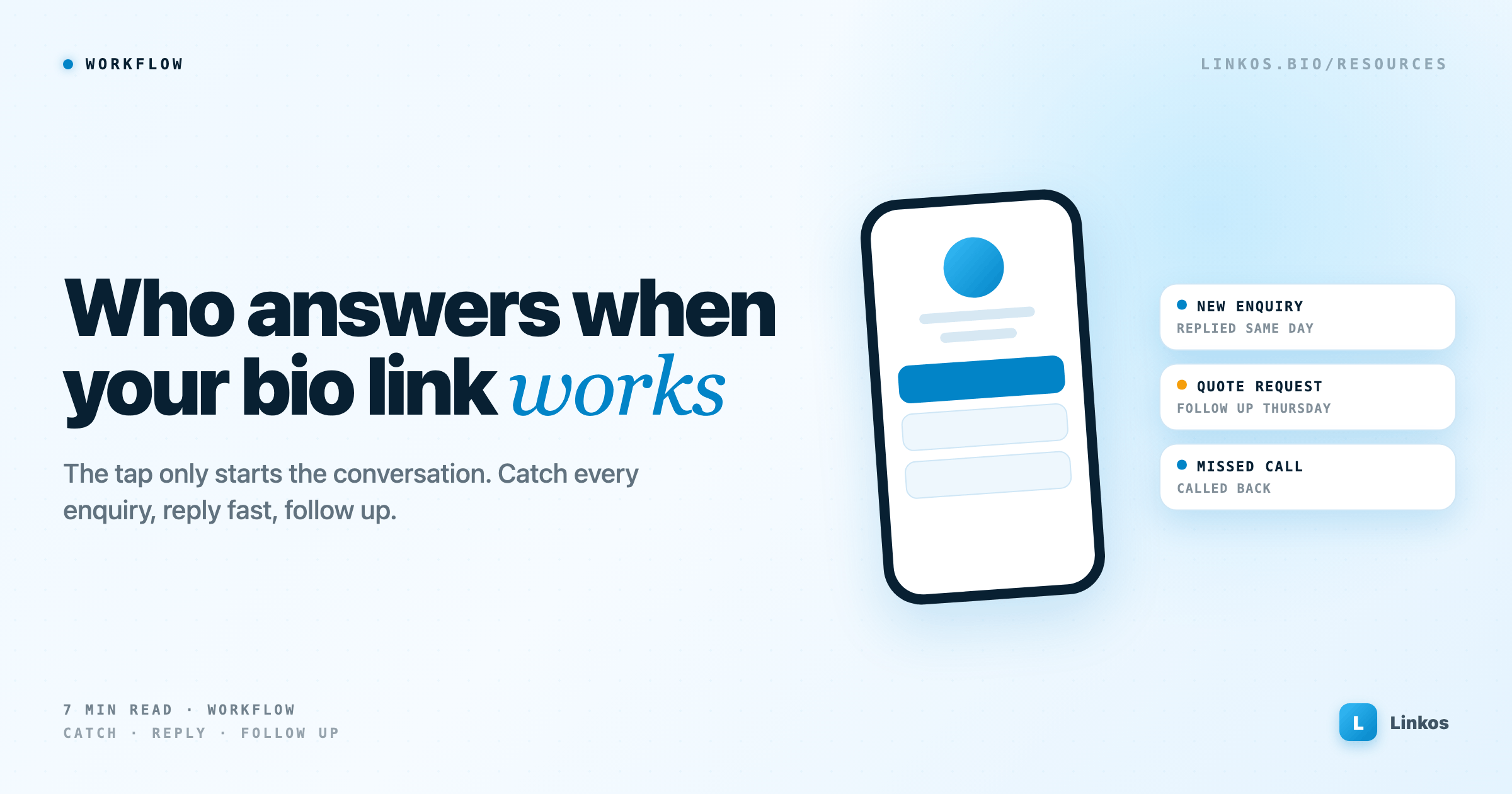
Who answers when your bio link works
A bio link only starts the conversation. A 2026 guide for small businesses and creators to catching every enquiry, replying quickly and following up, from a free setup to one AI platform you approve (featuring Wysera).
Most advice about bio links stops at the tap. Pick a good headline, put your best link first, watch the clicks go up.
Then someone actually gets in touch. A DM on Instagram, an email to your personal address, a missed call while you're with a customer. It sits for a day. By the time you reply, they've asked someone else.
A busy page doesn't help much if the enquiries behind it go quiet. This guide is about what happens after the tap: catching every enquiry, replying while the person still cares, and following up without keeping it all in your head. It ends with a worked example with Wysera, for when your setup outgrows a spreadsheet.
First, find out where your enquiries go
Before you change anything, spend ten minutes tracing the path yourself. Open your own bio link on your phone and try to contact you, the way a stranger would.
- Count the routes. Email, phone, DMs, a form, WhatsApp. Each one is a place you have to remember to check.
- Check who sees what. If a form goes to one inbox and calls go to a partner's phone, nobody has the full picture.
- Look at last month. How many people got in touch? How many got an answer the same day? If you can't say, that's the first thing to fix.
Your Linkos analytics show which links get tapped. They can't tell you what happened afterwards. That part is yours to track.
Cut your contact routes down to two
Every extra way to reach you is another inbox to forget. Most small businesses do better with two clear routes: one for people in a hurry and one for everyone else.
- In a hurry: a call or a messaging link, for anyone who needs an answer now.
- Everyone else: an email link or a form that asks the two or three questions you always end up asking anyway.
Put them near the top of your page and say what happens next. "Get a quote, reply within one working day" tells a visitor more than "Contact". Linkos pages support call and email links, and paid plans add forms, so you can set this up without another tool.
Then keep the promise. A slow reply after a clear promise is worse than no promise at all.
Keep every enquiry in one list
You don't need software for this on day one. You need one list that every enquiry lands in, whichever route it came from. A spreadsheet is fine, with these columns:
- Name and how to reach them
- Where they came from: which link, post or campaign
- What they asked for
- Date of last contact
- Next step and its date
The last column does most of the work. An enquiry with no next step is one you've already started to lose. Spend five minutes every morning sorting by that date.
Reply fast, then follow up on a schedule
A quick reply doesn't have to be a complete one. It has to show the person they've reached someone.
- Keep three saved replies: a price question, a booking question and "tell me more about your project". Change a line or two each time so they sound like you.
- Answer the actual question first. If they asked for a price, give a price or a range, then ask what you need.
- Set a follow-up pattern: a nudge after two days and a last one after a week. After that, mark it closed and move on.
Follow-up is where most enquiries are quietly lost. Nobody decides to ignore them. There just isn't a system that brings them back up.
When a spreadsheet stops being enough
The free setup works longer than people expect. These are the signs it has run out:
- You're missing calls because you're doing the actual work.
- Follow-ups only happen when you remember them.
- You pay for a separate email tool, CRM, booking tool and social scheduler, and copy things between them.
- You can't tell which marketing brought in the customers who paid.
If none of that sounds familiar, keep the spreadsheet. If most of it does, you're at the point where one connected tool can pay for itself.
Whatever you look at, ask three questions. Does anything go out without your approval? Can you leave and take your contacts with you? What does it cost at the volume you actually send, not the volume on the pricing page's cheapest plan?
Worked example: bringing it together with Wysera
One option at this stage is Wysera at wysera.ai, a platform that covers sales, marketing and operations in a single login. Here's how the steps above map onto it:
- One list: enquiries land in one queue in its CRM, and each lead gets a score from 0 to 100, so you can see who to call first.
- Fast replies: its assistant, Wyse, drafts replies in your voice. You approve each one before it sends, which answers the first question above.
- Follow-up: it can run your follow-ups and logs each call and email to the customer's record.
- Missed calls: an AI receptionist can answer calls around the clock, and online booking is part of the same plan.
The starting price matters for a small business. At the time of writing, the Starter plan is $99 a month for one person, with every feature included and limits set by usage, such as 2,000 emails and 100 minutes of AI calls a month. That's a real cost, so it makes sense once enquiries are bringing in money and you're already paying for several separate tools. If you're just starting out, the spreadsheet is the better first step. Check their pricing page for current numbers.
See how Wysera works at wysera.ai →
A thirty-minute checklist
- Open your bio link on your phone and try to contact yourself.
- Cut your contact routes down to two, and put them near the top of your page.
- Write what happens next on your contact link.
- Start a list with a "next step" column, and add every open enquiry.
- Save three replies you can adapt quickly.
- Put a five-minute daily check of that list in your calendar.
Your bio link's job is to start the conversation. Make sure someone's there to carry it on.
Sign up to start earning XP for every read.
📗 Free: the Link-in-Bio Starter Kit
The checklist, 6 layout templates, and our 1-page cheat sheet — sent straight to your inbox.
Recommended tool
Turn each topic into a finished post — in seconds.
PostPop writes the copy and designs the carousel in your real colours, fonts and logo. The making step, gone.
- On your brand, automatically
- Six formats · every platform size
- Free to start · no credit card
◆ A product by Linkos