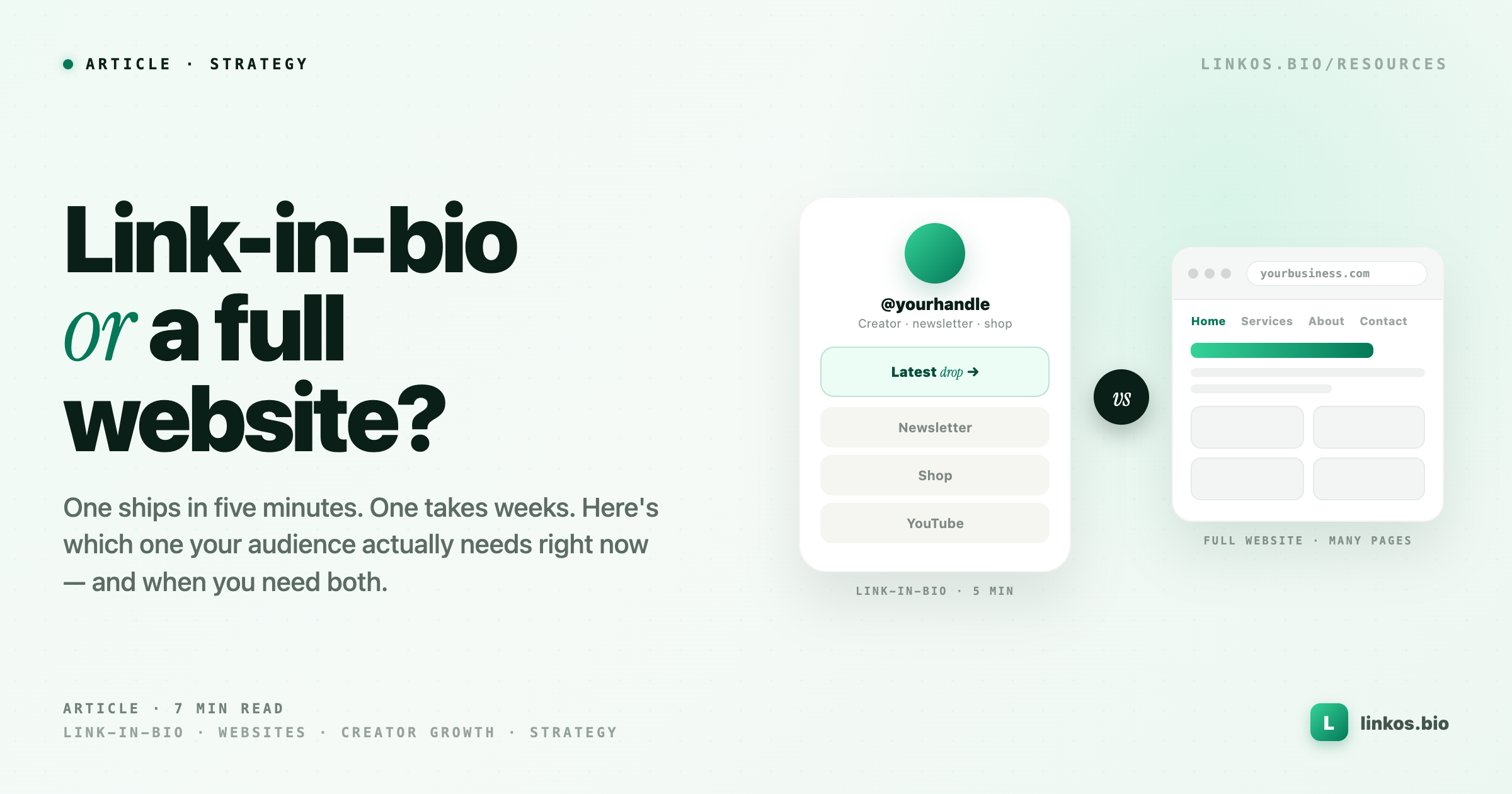
Link in bio metrics that actually matter
Four metrics pay the rent. The rest of your dashboard is noise. Here's how to tell them apart.
Most creators open their bio-link dashboard, glance at the "total views" number at the top, feel briefly good or briefly bad about it, and close the tab. That number is almost never the one that matters. It flatters you when your Instagram Reel goes off, and it punishes you when the algorithm goes quiet — neither of which has much to do with whether your bio page is actually working.
Four metrics matter. The rest is noise dressed up as data. Most bio-link dashboards bury the four that count under a wall of vanity totals, and the effect is that creators end up optimizing for numbers that don't pay their rent. This article walks through the four, what each one is telling you, and how to read them without lying to yourself.
The four metrics that pay rent
Click-through rate (CTR)
CTR is clicks divided by views. If 1,000 people land on your bio page and 30 tap something, your CTR is 3%. That's it.
The normal band for a link-in-bio page sits between roughly 1.5% and 4%. Below 1.5% and your page is doing something wrong — usually too many links, no visual hierarchy, or a top link whose promise doesn't match the traffic. Above 5% and something is going right — either your top link is genuinely compelling, or your audience is very warm, or (most often) both.
The trap most creators fall into: comparing their CTR to a big account's. A creator with 800k followers usually sees a much lower CTR than a creator with 8k, because a huge chunk of that traffic is drive-by curiosity that never had intent. If you have a smaller, warmer audience, your CTR should be higher, not lower. A tightly niched account of 4,000 followers can reliably sit at 6–8%, and a broad lifestyle account with ten times the followers might live around 1.8%. Neither is broken. They're different funnels.
Watch your own CTR against your own CTR from last month. That comparison is the only one that means anything. A move from 2.1% to 2.8% on your own page is a bigger deal than matching some anonymous benchmark you read in a thread — it's your audience actually responding to a change you made.
Dwell before click
Dwell is the time between when someone lands on your page and when they tap their first link. Almost nobody looks at this number, and it's one of the most honest signals you have.
Short dwell — one to three seconds — usually means one of two things. Either the visitor knew exactly what they came for (your Story said "link in bio for the pre-order" and they tapped straight through), or they took one look, decided it wasn't for them, and bounced. Look at CTR alongside it: short dwell with high CTR is great, short dwell with low CTR is a bounce problem.
Medium dwell, roughly four to eight seconds, is the scanner. They read the top two links, decided which one was for them, and tapped. That's healthy — it means your top-of-page is doing its job.
Long dwell — twelve seconds or more — is where you should pay attention. A two-second dwell on a bio page built for a paid ad landing is fine. A twelve-second dwell on a curated "shop my links" page usually means the person didn't find what they expected, and they're scrolling around trying to figure out where it went. Long dwell with low CTR is the specific pattern to worry about. It says: they wanted to click something, and you didn't make it obvious enough.
Click-to-conversion
Clicks are not the end of the funnel. What you actually care about is the thing that happens after the click — a newsletter signup, a purchase, a DM, a stream, a booking. Click-to-conversion is the percentage of clicks that turned into that outcome.
This is where most creators discover they've been optimizing the wrong thing. It's very common to spend six weeks working on getting your top-link CTR from 3% to 5%, feel great about the win, and then realize your conversion rate quietly halved because the new copy attracted the wrong clicks. More clicks, fewer signups, same amount of money — or less. A page can go from 40 clicks a month to 280 clicks a month over a six-week push and end up with the same number of email subscribers, because the extra 240 clicks were the wrong people.
The fix isn't to stop optimizing CTR. The fix is to always look at CTR and click-to-conversion together, and to only celebrate a CTR win if the conversion rate held or grew.
Repeat-visitor share
Repeat-visitor share is the percentage of your page views that come from people who've been there before. On a bio page, this number tells you something specific: are people treating your Linkos as a homepage, or as a one-time redirect?
A low repeat share (under 10%) is normal for accounts whose traffic is mostly cold — Reels going out to non-followers, TikTok shares, ads. A high repeat share (over 25%) usually means your Instagram or TikTok audience is treating the bio page as their canonical way to find your stuff. That's either amazing news or a call to action, depending on your setup. If they keep coming back and the page still looks like a scratchpad, you're wasting warm intent every week.
High repeat share is a strong signal to invest in the page itself — better thumbnails, a real hero link, updated seasonal content — because the same people are seeing it again and again. Cold-traffic pages can get away with static. Warm-traffic pages can't.
Metrics that look important but aren't
Three traps show up on almost every bio-link dashboard, and they all look important because they're big and blue and near the top.
Vanity totals. Total views, total clicks, lifetime taps. These are numbers without a denominator. 10,000 views is great or terrible depending on whether it happened in a day or a year, and depending on what portion of them clicked anything. On its own, a total tells you nothing about whether your page is working. It only feels like it does because it's easy to remember and easy to screenshot.
Impressions without a click benchmark. Some platforms will proudly tell you how many times your page was "seen." An impression that produced no action is not a win. Impressions matter only relative to clicks — which is CTR, which we've already covered. If you find yourself quoting an impression number without also quoting the CTR that came with it, you're spinning yourself.
Bio views without dwell context. "You had 5,400 bio views this week" sounds like a lot. If the average dwell was 0.4 seconds and the CTR was 0.3%, those views were people bouncing before the page fully rendered. Views without dwell and CTR next to them are storytelling props, not data.
Be honest about which of these you've been quoting to yourself. Everyone has. The reason vanity totals persist is that they feel like progress even on weeks where nothing meaningful happened, which is exactly why they're comforting and exactly why they're not useful.
How to actually track these in Linkos
In Linkos, you'll find these under Analytics on your dashboard. CTR and repeat-visitor share are surfaced by default on the main analytics view — you don't need to configure anything to see them. Dwell before click and click-to-conversion take a bit more setup, because conversion in particular depends on what your conversion is (email signup, product purchase, DM open) and you need to tell the system which link is the one that counts.
Once that's wired up, the four metrics live side by side, which is the whole point — you never want to look at CTR without conversion, or views without dwell. Seeing them together is what stops you from optimizing the wrong number.
If you want the guided walkthrough of setting these up, Link-in-Bio Fundamentals walks through it module by module. The path is free with Sloth Mode.
Common pitfalls
Reading yesterday's data as gospel
A 24-hour swing on a bio page is almost always noise. One good Reel can double your daily views. One quiet weekend can halve them. Neither means your page is suddenly working or broken.
The honest reading window for a bio-link page is 14 days. That's long enough to average out algorithm swings, weekend dips, and one-off traffic spikes. Anything shorter than a week and you're mostly measuring luck. Anything longer than a month and you'll miss real changes you made.
If you find yourself checking analytics every morning, close the tab. You're not learning anything — you're just training yourself to feel anxious about numbers that haven't stabilized yet.
Comparing yourself to accounts with different funnels
The creator with 200k followers whose CTR you saw quoted in a Twitter thread almost certainly has a different funnel than you. They might be running paid traffic. They might have a single hero product they've been iterating on for two years. They might have a warm-audience email list feeding their bio clicks. Their 8% CTR isn't a benchmark for your 3% — it's a completely different setup producing a completely different number.
The only benchmark that means anything is your own from a month ago. Compare that. Ignore the rest.
Chasing a target that doesn't match your goal
This is the most expensive pitfall. Someone reads that "good CTR is 5%," decides that's the target, spends two months optimizing for it, and hits it — while their newsletter signups quietly drop. They optimized CTR when what they actually needed was conversion.
Before you pick a metric to move, be honest about what the page is for. If the page exists to sell a product, click-to-conversion is your metric. If it exists to grow an email list, same. If it exists to drive streams or plays, dwell and CTR matter more. The metric you optimize should match the outcome you're paid on. Nothing else.
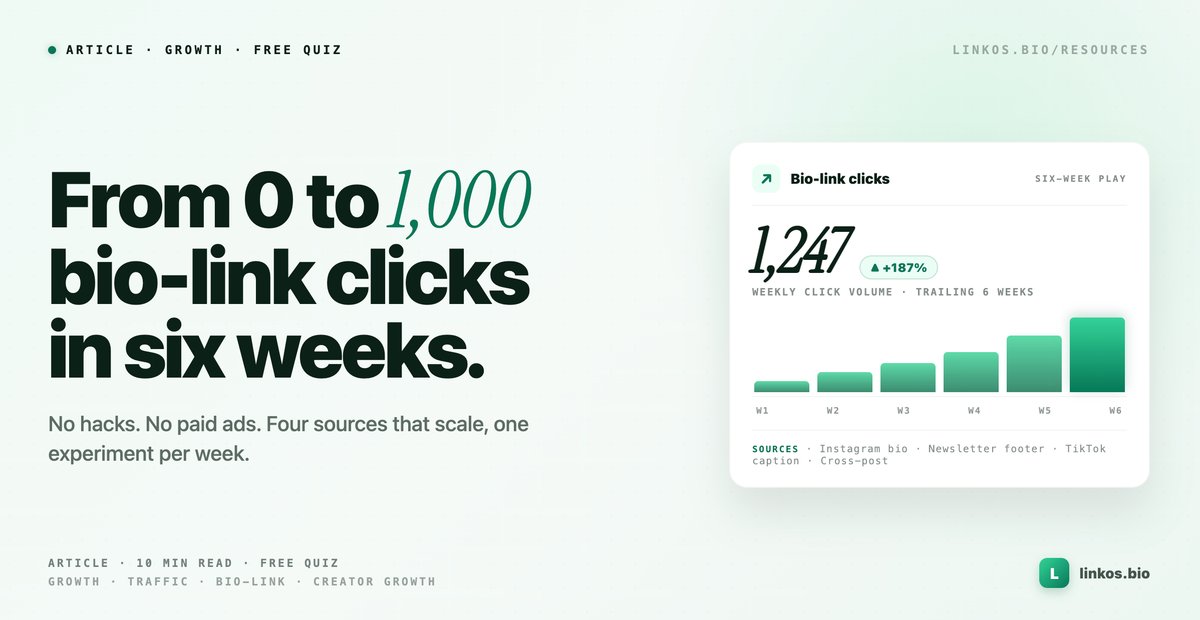
Pop quiz · 5 questions · ~60 seconds
Do you know which traffic sources actually scale to 1,000 clicks?
Answer 5 multiple-choice questions. See your tier at the end. Bragging rights optional.
What to do this week
Five things, in order:
- Open your analytics. Write down your current CTR, dwell, conversion rate, and repeat-visitor share. Just the numbers. You'll refer back to these.
- Set one honest baseline. Not "grow" or "improve" — pick one specific number to beat. "CTR from 2.1% to 3%." "Conversion from 8% to 12%."
- Pick ONE of the four metrics to move first. Not all four. You can't optimize four things at once and know which change did what.
- Rewrite your top link with a single change. Change the verb, sharpen the promise, or add a count ("read 3 essays" instead of "read essays"). One change, not five.
- Check back in 14 days. Not three. Not tomorrow morning. Two weeks is when the signal beats the noise.
That's the whole loop. Baseline, pick one, ship one change, wait, read the number.
Where to go from here
If you want the step-by-step version of everything above — the setup, the benchmarks, the copy exercises — Link-in-Bio Fundamentals is the guided path. It walks through metric setup, page structure, and the first two optimization loops, and it's free with Sloth Mode. If you're weighing whether Sloth Mode is worth it, plans explained lays out what's free and what isn't in plain language.
Four metrics, checked every two weeks, honestly. That's the whole practice.
Sign up to start earning XP for every read.
📗 Free: the Link-in-Bio Starter Kit
The checklist, 6 layout templates, and our 1-page cheat sheet — sent straight to your inbox.
Recommended tool
Turn each topic into a finished post — in seconds.
PostPop writes the copy and designs the carousel in your real colours, fonts and logo. The making step, gone.
- On your brand, automatically
- Six formats · every platform size
- Free to start · no credit card
◆ A product by Linkos